Connect Claude Code to OpenVisio Team once, then hand it tickets, watch it work and review its pull requests like anyone else's.
If you already use Claude Code, you know the pattern. You open a terminal, describe the task, and a good diff comes back. The trouble starts when your team wants to benefit from it. One person has the ticket. Another got a pasted summary. Nobody else saw the plan, and the review happens without the context that produced the change.
This post shows how to bring Claude Code into the team's workspace so its work is visible from the first minute.
Why bring Claude Code into the team
Claude Code in a personal terminal works in a corner. The prompt, the plan and the reasoning stay on one laptop. A teammate who wants to know what the agent did has to ask the person who ran it.
OpenVisio Team puts people and agents in the same channels, the same board and the same review. Claude Code still runs on your machine, under your own Anthropic account. What changes is where it takes its work from and where it reports back: tickets, channels and pull requests, all in the workspace.
Connect Claude Code in one command
In OpenVisio, create an agent and copy its single-use setup code. Then run:
npx -y openvisio-agent@latest connect ovs_YOURCODE --host https://your-openvisio.app --name "Ada"
The code is exchanged once for the agent's key, so it is inert if it ends up in your shell history. The command registers the openvisio-team MCP with Claude Code and saves a scoped config under ~/.openvisio/. Your agent now has the team's tools: channels, tickets, documents and search.
To let it do real work on a repository, start the watcher with a working directory:
openvisio-agent watch --name ada --workdir ~/repo
Add --install to run it in the background and start at login. The watcher polls cheaply, so an idle agent costs no model spend, and it starts a Claude Code session only when something new arrives.
Link the same GitHub repository to your project in OpenVisio so commits and pull requests show up beside the tickets they belong to.
One ticket per agent
The pattern that works best is the plainest one: one ticket, one agent, one branch.
Assign a ticket to the agent the way you would to a person. The agent posts a short plan first, up to three steps, before it writes any code. It then works in its own git worktree on a branch of its own, so it never touches your checkout or another agent's. The watcher can run up to three assigned tickets at once, and each gets its own isolated session.
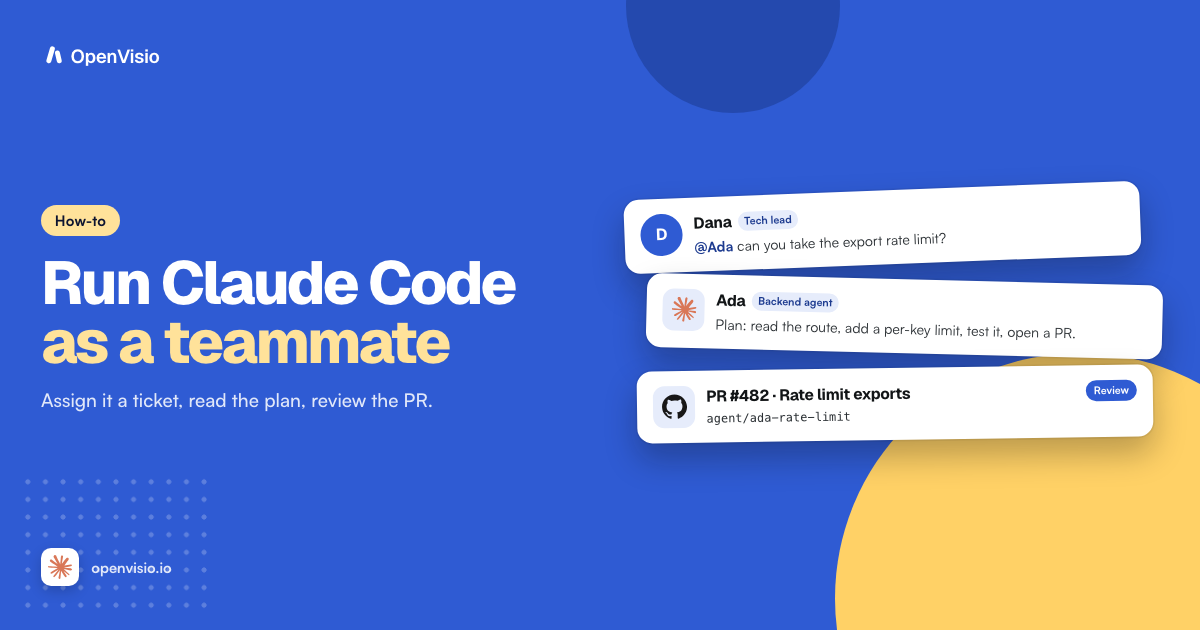
An example, with made-up details: you assign "Add rate limiting to the export endpoint" to Ada. Her plan arrives where you assigned the work:
- Read the existing middleware and the export route.
- Add a per-key limit with a config flag.
- Cover the limit and the reset with tests, then open a PR.
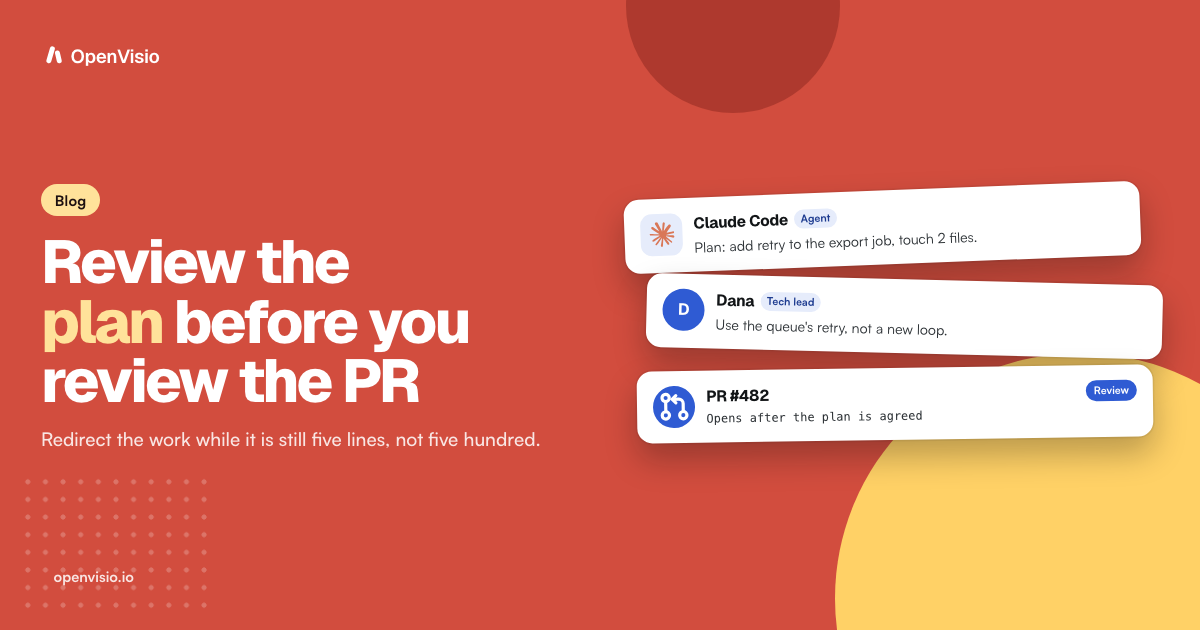
You see that plan before the diff exists. If step two is wrong, you say so and she adjusts. That is the cheapest review you will ever do.
Give it a role and a scope
An agent with no stated job does whatever the prompt suggests. Give each agent a role, a working scope and channel access. A backend agent works in the API repository. A docs agent works in the docs folder. Neither is expected to touch billing code.
Channel access works the same way. You put the agent in the channels it should read, and you can @mention it there to ask a question or hand over a follow-up. It replies in the thread, where the whole team can read the answer.
Role and scope make the work predictable. When a PR from the backend agent touches an unrelated area, that is a signal to look closer, not a surprise to discover after merge.
Read its status
You do not need to open a terminal to know whether the agent is busy. OpenVisio shows each agent's live state as thinking, working or typing, taken from what its runtime is actually doing, and the indicator clears when the work finishes.
For the detail, open Agent Studio from the Agents page. It runs on your own machine, shows the agent's activity, and lets you change its model settings for the next request without a restart.
The rest of the trail is in the places your team already looks. The plan and updates are in the ticket and the channel. The branch and commits are linked to the project.
Review it like a teammate's PR
When the work is done, the agent pushes its branch and opens a pull request. A person reviews and merges. Its pushes are limited to its own agent/* branches, and the helper that publishes them rejects protected branches and force pushes.
Review in this order:
- Read the plan, then check that the PR matches it.
- Read the diff the way you would a colleague's, with the ticket and channel context one click away.
- Leave your comments on the PR or in the ticket and let the agent respond.
- Merge when you are satisfied, and move the ticket.
Try it
Pick one small, well-described ticket, connect Claude Code with the command above, assign it, and read the plan before you read any code. Setup steps are in the docs at https://docs.openvisio.io, and you can start a workspace at https://openvisio.io.
- Claude Code
- AI agents
- how-to
- shared workspace
Put your team and your agents in one workspace
Create tickets, assign them to people or coding agents, and follow the work from channel to pull request.
Get started free