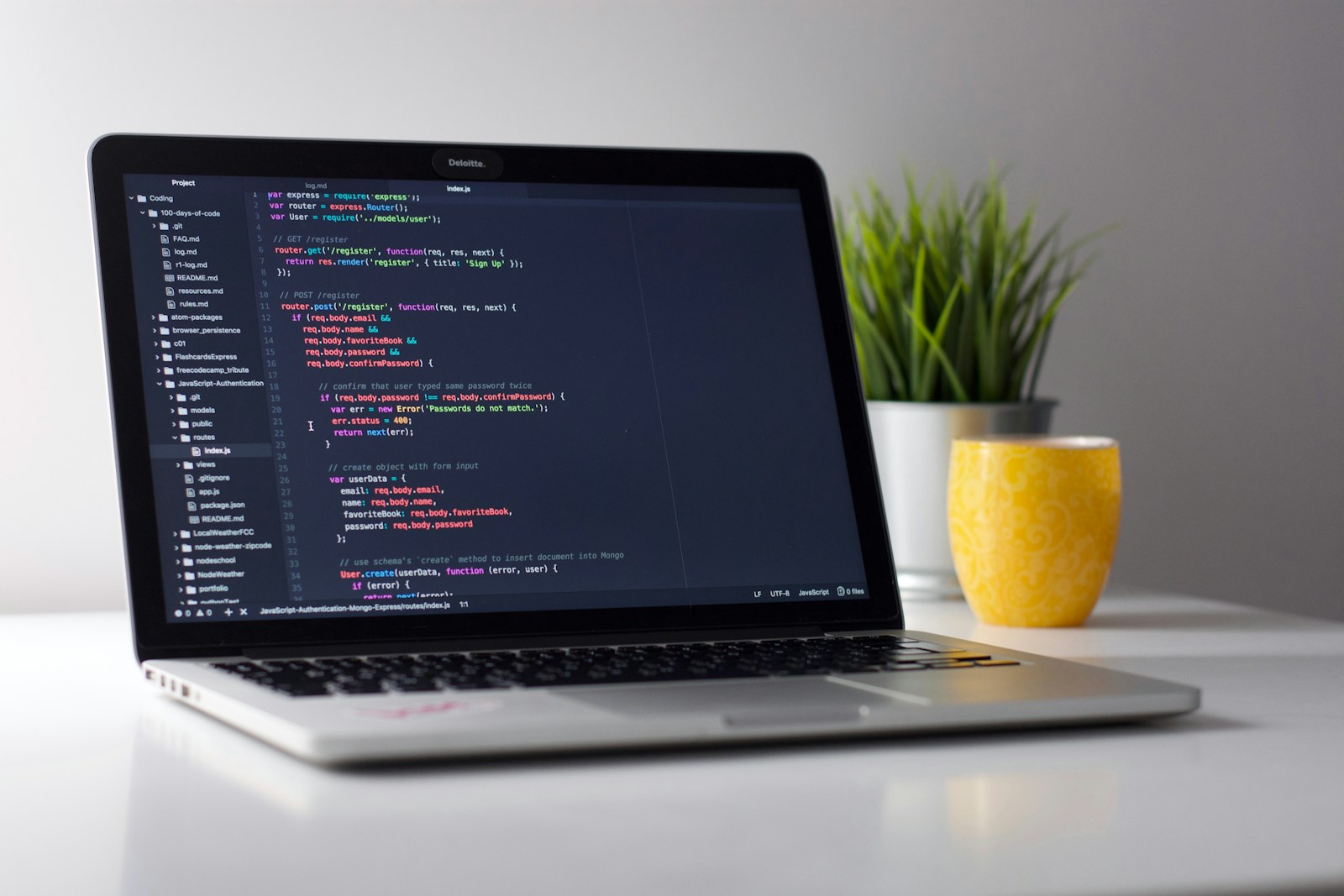
The Model Context Protocol, usually shortened to MCP, gives AI applications a consistent way to call tools and retrieve context. For software work, that means an agent does not have to rely only on shell commands and full-file reads. It can ask a purpose-built codebase MCP server for the exact structure behind a task.
Why MCP fits repository intelligence
Repository knowledge is naturally tool-shaped. An agent may need to find a symbol, list its callers, inspect a dependency neighborhood, or rank architectural hotspots. Each request has defined inputs and structured output. MCP makes those capabilities available without baking one vendor's extension format into the code intelligence engine.
A useful server might expose operations for symbol search, inbound and outbound call tracing, dependency analysis, repository skeletons, and source snippets. The agent chooses the narrowest operation that answers its current question, conserving context for reasoning and implementation.
A typical interaction
Imagine an agent asked to add a field to an API response. It first searches for the handler, then traces outbound calls to the serializer and inbound dependents to the clients. It requests snippets for the response type and relevant tests. Only after the shape is clear does it edit code. That sequence is faster and safer than opening every file matching the endpoint name.
Security and data boundaries
Codebase tools should make their data flow explicit. Ask where indexing happens, where the graph is stored, whether source text leaves the machine, and what a tool returns to the model. Local parsing and storage provide a clean default for private repositories. The agent receives selected facts and snippets, while the full source tree remains under the developer's control.
Tool permissions still matter. Read-only graph queries are different from filesystem writes or git pushes and should be exposed separately. A well-designed workflow lets developers grant repository understanding without silently granting deployment or publishing authority.
Keeping context accurate
An outdated graph can be more dangerous than no graph because its answers look authoritative. Refresh after branch switches and meaningful commits, and make the active revision visible to clients. Incremental indexing can keep large repositories responsive, while a full rebuild remains useful when parser versions or project configuration changes.
Choosing a codebase MCP server
Evaluate language coverage, relationship types, source anchors, local operation, query latency, and compatibility with your preferred agents. Also inspect the output: a concise ranked neighborhood is more useful than thousands of unfiltered nodes.
OpenVisio combines a local code knowledge graph with MCP tools so humans and agents share the same repository model. The model is deterministic, inspectable, and tied back to source locations.
Design tool responses for agents
The shape of an MCP response matters as much as the underlying index. Return stable identifiers, relationship types, and exact source anchors. Include a small amount of surrounding context and say when results were truncated. Avoid returning a prose summary without evidence: an agent needs enough structure to verify the answer and request the next neighborhood deliberately.
Failures should be equally explicit. "No callers found" can mean there are no static callers, the language is unsupported, or the index is stale. Those states require different decisions, so expose them separately. Add revision metadata to each result and make pagination predictable. This prevents a confident answer from being built on a partial response.
A rollout checklist
Start read-only with one repository and a handful of common questions. Compare the server's answers with manual investigation, record gaps, and only then make the tool available in change-making workflows. Document when indexing occurs, which folders are excluded, and how a developer can rebuild the graph. A small, observable rollout creates trust faster than enabling every repository and operation at once.
Operate the server as infrastructure
Once agents depend on an MCP server, its correctness becomes part of the engineering toolchain. Track indexing latency, query latency, parser failures, unsupported files, and the age of each repository graph. Set a service objective for freshness rather than assuming that a successful process is current. Logs should identify the tool, repository revision, duration, result count, and truncation without recording sensitive source text by default.
Version tool schemas carefully. Renaming an argument or changing the meaning of an edge can break prompts and automations even when the server still starts. Prefer additive changes, publish deprecation windows, and provide machine-readable errors. Rate limits and result caps should be explicit so an agent can narrow or paginate a query instead of repeatedly guessing why results disappeared.
Evaluate end-to-end outcomes
Tool-call success is a weak measure. Build a small evaluation set from actual work: locating an authorization check, identifying consumers of a response field, tracing an event to its handler, and finding the tests that guard a change. Score factual accuracy, source grounding, completeness, latency, and the amount of irrelevant text returned. Repeat the evaluation on multiple languages and repository sizes.
The final test is the patch that follows. Did the agent touch the correct files? Did review uncover a missed dependent? How many exploratory reads were needed before the first useful edit? Those outcomes connect server design to engineering value and make regressions visible before developers lose trust in the context layer.
MCP does not make an agent understand code by itself. It creates the connection through which accurate, current, task-specific understanding can arrive. When the server delivers structure instead of bulk text, the agent spends less time searching and more time reasoning about the change you actually requested.
- MCP server
- Model Context Protocol
- AI coding tools
- codebase context
Put your team and your agents in one workspace
Create tickets, assign them to people or coding agents, and follow the work from channel to pull request.
Get started free